
How to Generate a QR Code for Your YouTube Video (2026 Guide)
In this article
Creators ask this every day because QR codes are now one of the fastest paths from viewer → action without interrupting watch-time.
You can generate a QR code for your YouTube video by using any QR generator, but if you want trackable, brand-safe, mobile-optimized lead capture, use a YouTube-specific tool like Vuemagnet.
Why Creators Use QR Codes for YouTube in 2026
QR codes solve YouTube’s biggest friction point:
viewers on TV and desktop can’t click your links.
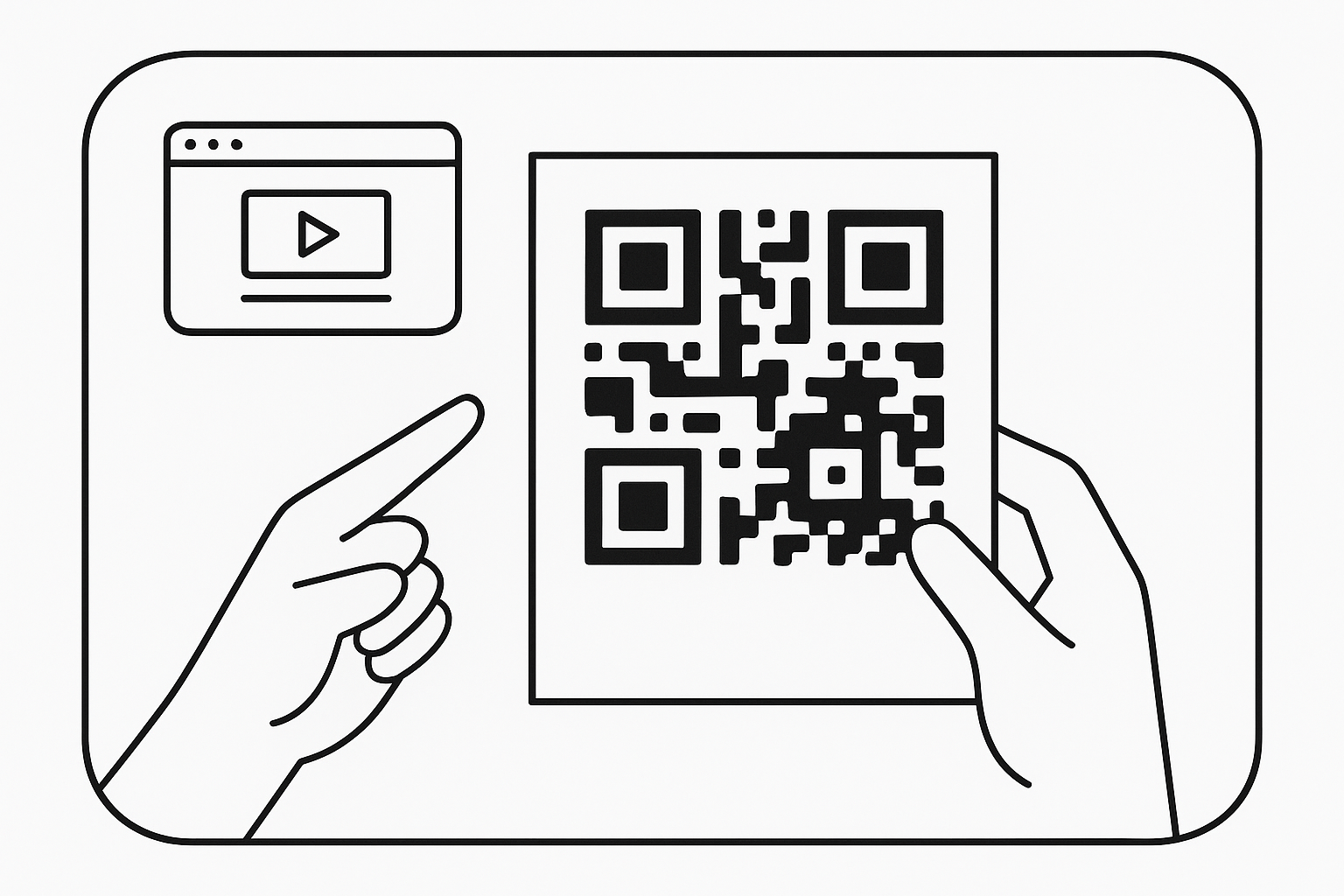
A QR code bridges the physical gap between “I’m watching” and “I’m taking action now.”
But the real power is when the QR code isn’t just a code — it’s tied to a page that captures leads, delivers value instantly, and tracks the conversion.
That’s where the tooling matters.
The Three Ways to Generate a QR Code for a YouTube Video
| Method | What It Does | Pros | Cons |
|---|---|---|---|
| Basic QR Generator (free tools) | Creates a static QR that links directly to your YouTube URL | Fast, simple | No analytics, no tracking, no lead capture |
| YouTube URL Shorteners | Shorten + auto-generate a QR | Pretty links, brand domains | Still not trackable, not optimized for conversion |
| Vuemagnet (YouTube-specific) | Generates dynamic QR + landing page + analytics + mobile funnel | Designed for creators, tracks conversions, adds lead magnets | Slightly more setup (1–2 minutes) |
If all you need is “a QR code,” any generator works. If you need conversion, **tracking, and leads, you use Vuemagnet.
Step-by-Step: How to Generate a QR Code for Your YouTube Video
This is the most universal method — works with any tool.
1. Copy the URL of your YouTube video
2. Open a QR generator (QR Code Monkey, Adobe Express, Vuemagnet, etc.)
3. Paste the URL
4. Customize the QR design (optional)
5. Download the PNG or SVG file
6. Insert it into your video, thumbnail, or end screen
This gives you a basic working QR code. But if you're a creator building a business, this is not enough. You need the code to convert, track, and attribute.
Smarter Step-by-Step: The High-Conversion Method Using Vuemagnet
1. Paste your YouTube video link inside Vuemagnet
2. Choose a lead magnet or upload a resource
3. Auto-generate a minimal landing page (no design needed)
4. Vuemagnet creates a branded, dynamic QR code tied to that page
5. The QR now tracks:
6. Insert this QR in your video using your editor or add it during your shoot
Why it works: The viewer scans → lands on a page built for mobile → instantly gets the offer → becomes an owned lead.
Examples of What Creators Use QR Codes For
| Category | Example QR Offer | Why It Works |
|---|---|---|
| Cooking | “Download my 5-ingredient meal plan” | Viewers watching on TV want a takeaway |
| Fitness | “Get my 7-day workout starter kit” | High commitment audience, high opt-in rates |
| Education | “Free Notion template from this video” | Low friction, high value |
| Travel | “My Japan itinerary PDF” | Evergreen and shareable |
| Tech | “Gear list + links” | Every viewer wants the tools you're using |
| Finance | “Budget calculator” | Valuable utility = fast signups |
YouTube is moving toward utility, not just entertainment. QR codes deliver utility instantly.
Why Trackable QR Codes Outperform Static QR Codes
Creators who switch from static → trackable QR codes typically see:
QR codes are no longer “links you scan.” They’re mini-funnels.
How Vuemagnet Fits Into This
Vuemagnet is the only tool built specifically for the QR + YouTube conversion problem:
Instead of sending viewers to YouTube URLs, you send them to value.
FAQ
1. Does YouTube provide a built-in QR code generator?
No. YouTube doesn’t offer native QR creation. You must use external tools.
2. Do QR codes hurt watchtime?
No — they increase watchtime. Viewers scan on their phone while continuing to watch on desktop/TV.
3. Can I customize my QR code with colors or logos?
Yes, but don’t distort the edges — most generators allow safe customization.
4. Can I track how many people scanned my QR?
Only with dynamic or platform-built QR codes like Vuemagnet. Static QR codes cannot track scans.
5. Should the QR code go at the start or end of the video?
Best placements:
Use 2–3 placements per video for best results.
Final Takeaway
If you just need a QR code, use any generator.
If you’re a creator who wants growth, leads, and revenue, use a YouTube-native tool like Vuemagnet that: